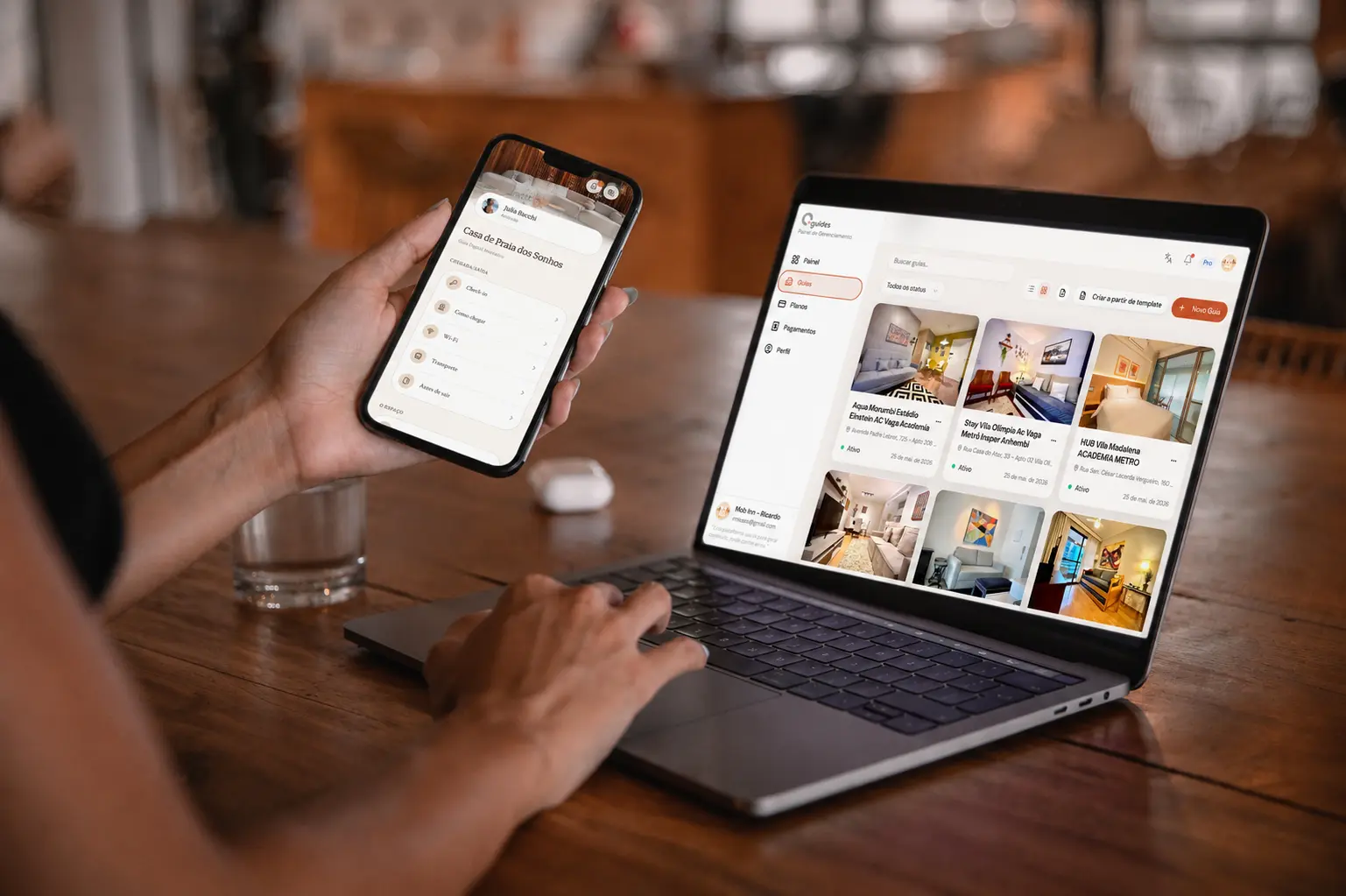
A welcome book gathers in one page what the guest needs in the first minute (Wi-Fi and check-in), how the property works (lock, AC, kitchen), what is and is not allowed (house rules) and what to do nearby. It takes 15 minutes to build and opens by QR code, with no app to install.
Welcome book template you can copy
Copy the seven blocks below and fill in whatever sits in brackets. The order is not decorative: it is the sequence a guest looks for things in — first how to get in, then how the property works, then what is and is not allowed.
1.Arrival
Address: [street, number, unit]. Landmark: [gate, tower, parking spot]. Check-in from [time]. The lock opens with code [code]: press [button] and pull the door.
2.Wi-Fi
Network: [network name]. Password: [password]. If it will not connect, switch the phone Wi-Fi off and on before calling the host.
3.How the property works
AC: [remote on the wall, 23 °C]. Hot water: [valve next to the shower]. Trash: [where the bin is and the collection day].
4.House rules
Quiet after [10 pm]. Visitors: [allowed until X / not allowed]. Pets: [no / yes, up to X kg]. No smoking inside the property.
5.Check-out
By [time]. Leave the key [where]. Dishes: [in the sink / in the dishwasher]. Towels: [on the bathroom floor].
6.Nearby
Market: [name, distance]. 24h pharmacy: [name, distance]. Restaurants I recommend: [two names].
7.Contact
Host WhatsApp: [number]. Emergency: [local police and ambulance number].
The model above works printed. The problem shows up at the first change: the Wi-Fi password moves and you have to edit, reprint and swap every sign. On Orbit Guides the same model ships pre-structured and the guest opens it by QR code: you edit in the dashboard and their version updates immediately, with nothing to print again.
To earn guest trust and secure 5-star reviews, your manual can't just be a cold list of obligations. It needs to be strategic. Check out these 4 golden hospitality tips to apply today:
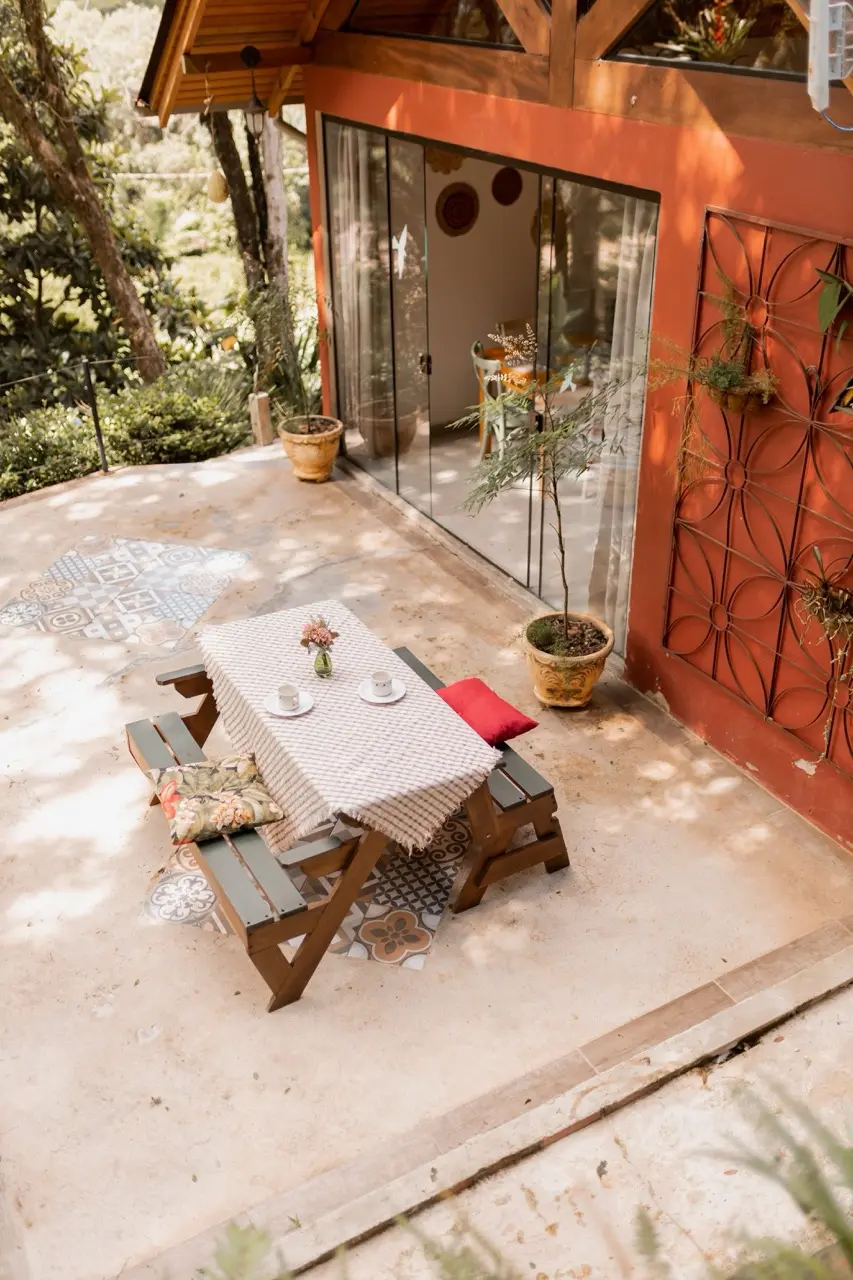
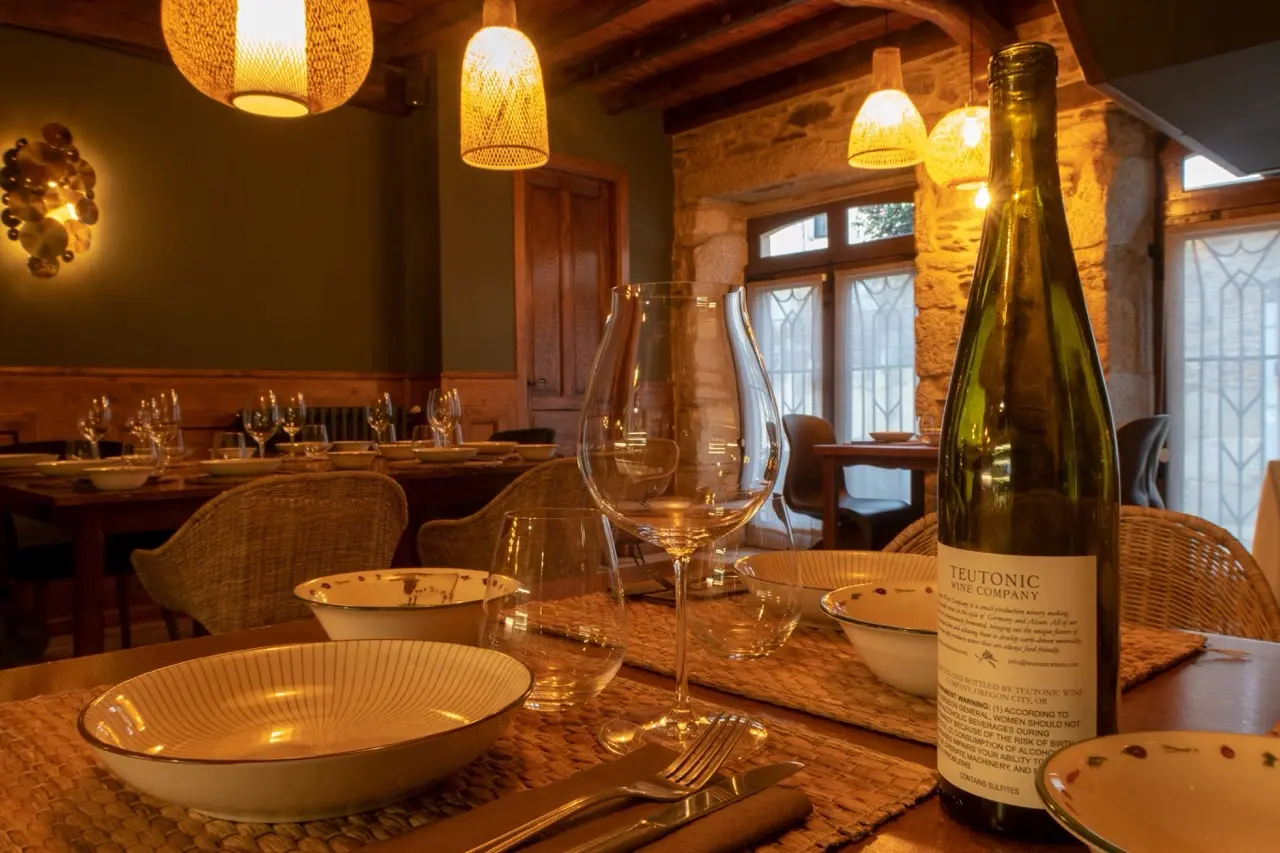
Invest in Stunning Photos
Your guide is visual. Before reading instructions, the guest "reads" the images. Dark or blurry photos ruin the premium feel.
Best Practice: Take photos with good natural lighting, show cozy details, and organize blocks with clean images.
True Local Curation
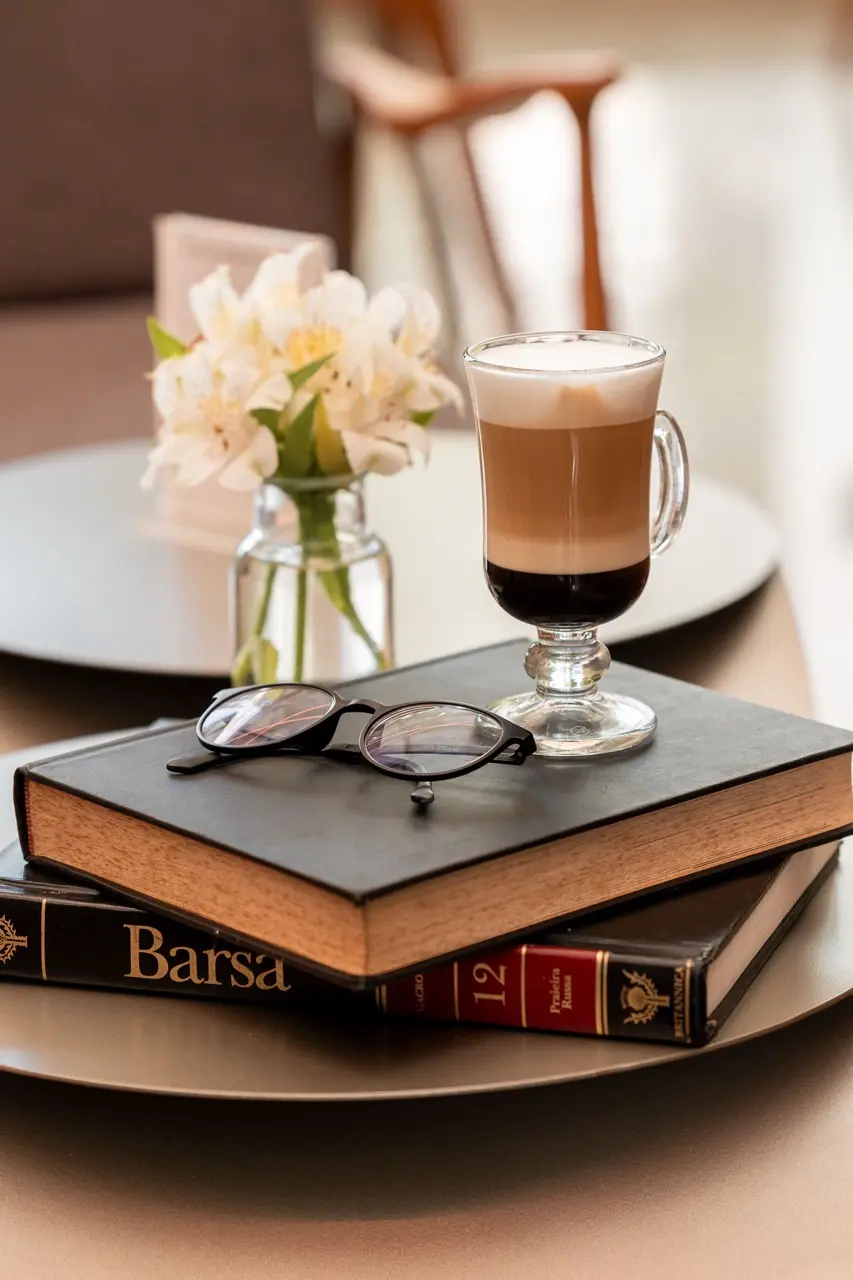
Recommending "any restaurant" just for the sake of it doesn't add value. To earn guest admiration, your recommendations must be flawless.
Best Practice: Only recommend places you've been to, tried, and loved. Never suggest spots under 4 stars on Google Maps.
Clear Rules (Without Scaring the Guest!)
Rules are essential, but a wall of "PROHIBITED" in all caps will ruin the guest's relaxation vibe.
Best Practice: Be clear, direct, and use a friendly tone. Instead of "NO FOOD ON SOFA", try "Please be careful with food and drinks in the living room."
Strategic Alerts & Notifications
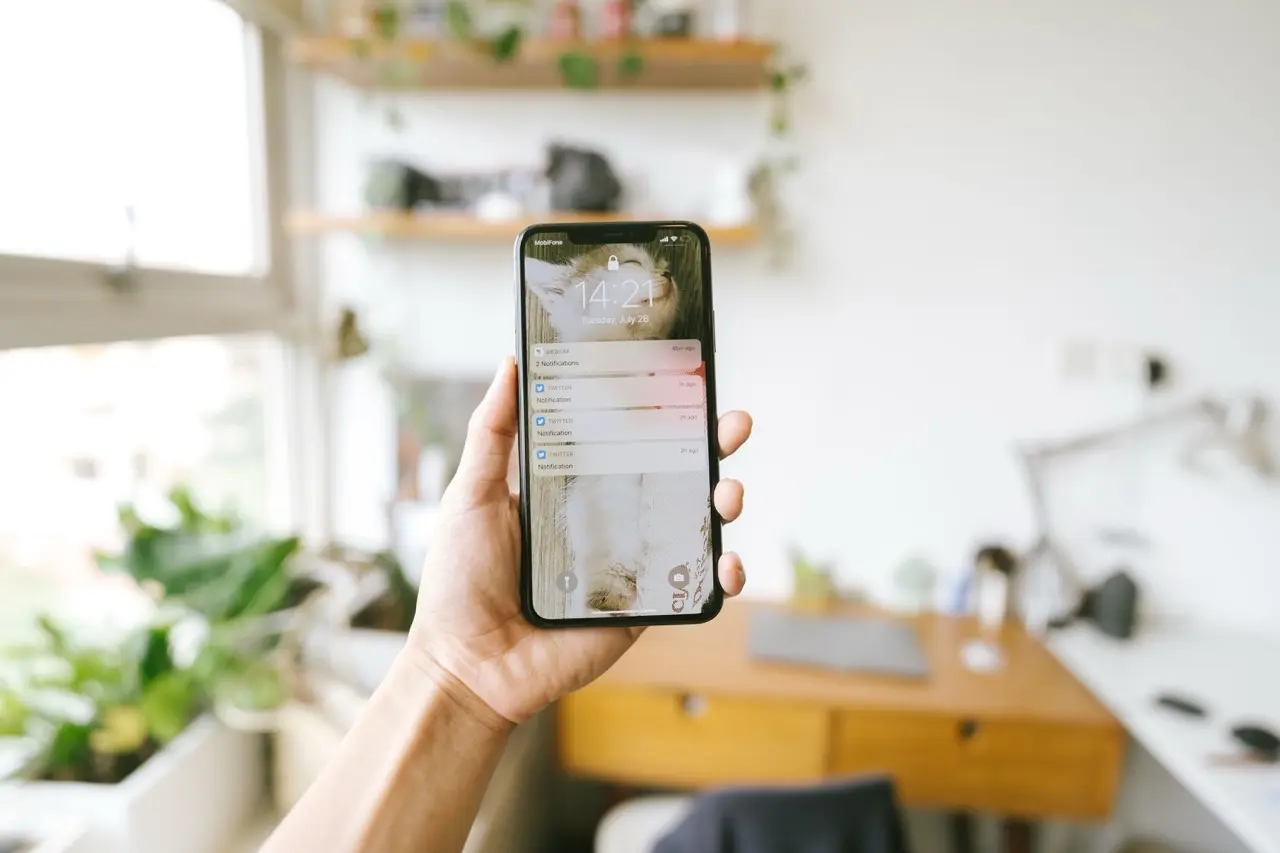
One of the biggest WhatsApp time drains comes from routine details or last-minute operational changes.
Best Practice: Notify guests about property routines before they're caught off guard in common areas.
Hosts using interactive digital guides reduce repetitive messages by 87% and save up to 10 hours per week.
How Orbit Guides enhances each tip:
Anatomy of the Perfect Guide
Everything in one place: Essential blocks that the Orbit system automatically generates for the guest.
Instant Connectivity
Wi-Fi password and network details highlighted at the top of the page.
Access Instructions
Visual step-by-step on how to use the electronic lock or key safe.
Property Functionality
Short tutorials on how to use the central heater, AC, or induction stove.
Useful Contacts
Your number, condo support, and emergency phones easy to find.
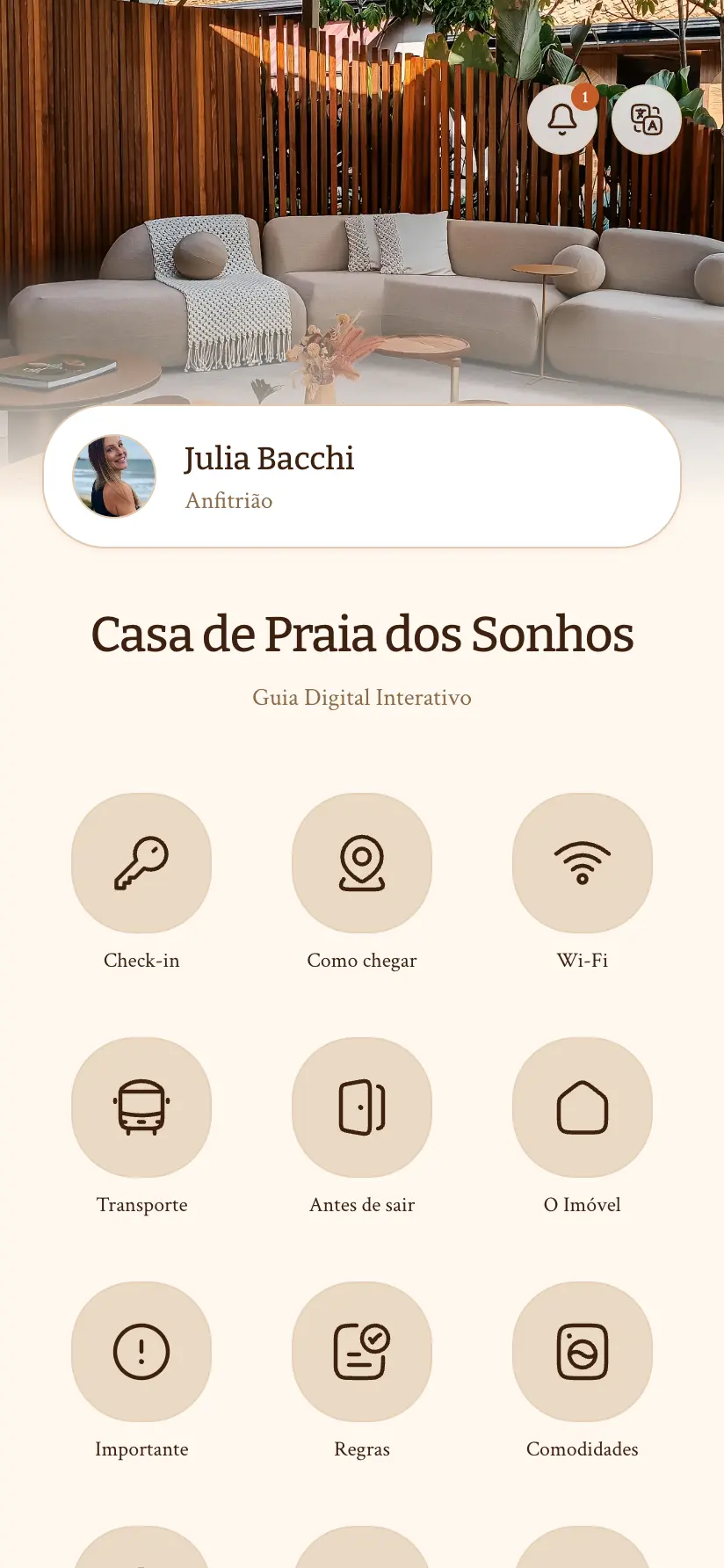
See a digital guide in action
Scroll the phone below and see what an Orbit Guides interactive guide looks like.
The end of the Canva era: Why Orbit is superior?
Frequently asked questions
Is a welcome book the same as a host manual?
Yes: welcome book, host guide, house manual and digital guidebook are names for the same document your guest reads on arrival — Wi-Fi and check-in, how the property works, house rules and local tips. What changes is the format: a printed or PDF manual is frozen the day you print it, while a digital welcome book is a web page guests open by QR code and you update from the dashboard, with nothing to reprint or resend.
Which sections should an Airbnb welcome book include?
Connectivity (Wi-Fi password), access instructions (electronic lock or key safe), how the property works (AC, heater, stove), house rules in a friendly tone, local curation of restaurants and shops, and useful emergency contacts. Orbit Guides ships these blocks ready in the digital guide, so you only fill in your property details.
How long does it take to create the guide and what does it cost?
Under 15 minutes: you register the property, fill in the information and the system generates the link and the QR code automatically. You can start free on the Freemium plan (1 property); paid plans start at R$ 49/month and scale with the number of properties in your operation.
Why use a digital guide instead of a PDF or printed manual?
Because the digital guide opens instantly in the guest browser with no download, and updates in real time: if you change the Wi-Fi password, it shows up immediately, with no file to edit or resend. The QR code is permanent — print it once and the content can change as often as needed.
What is a welcome book for Airbnb guests?
It is the single document your guests read on arrival — also called a host guide, house manual or digital guidebook: Wi-Fi password, check-in and check-out, house rules, appliance instructions, local recommendations and emergency contacts. On Orbit Guides it is a web page opened by QR code, so guests read it on their phone with no app to install and no PDF to download.
Do I need a printable welcome book template?
A printable template works until you change the Wi-Fi password, add an appliance or update your house rules — then you reprint everything. Orbit Guides ships the same structure as a ready-made template (connectivity, access, appliances, house rules, local tips, useful contacts) and you only fill in your property details in under 15 minutes. The difference from a PDF or Canva template is that the QR code is permanent: edit in the dashboard and the guest guide updates instantly, with nothing to reprint or resend.
Take your management to the next level
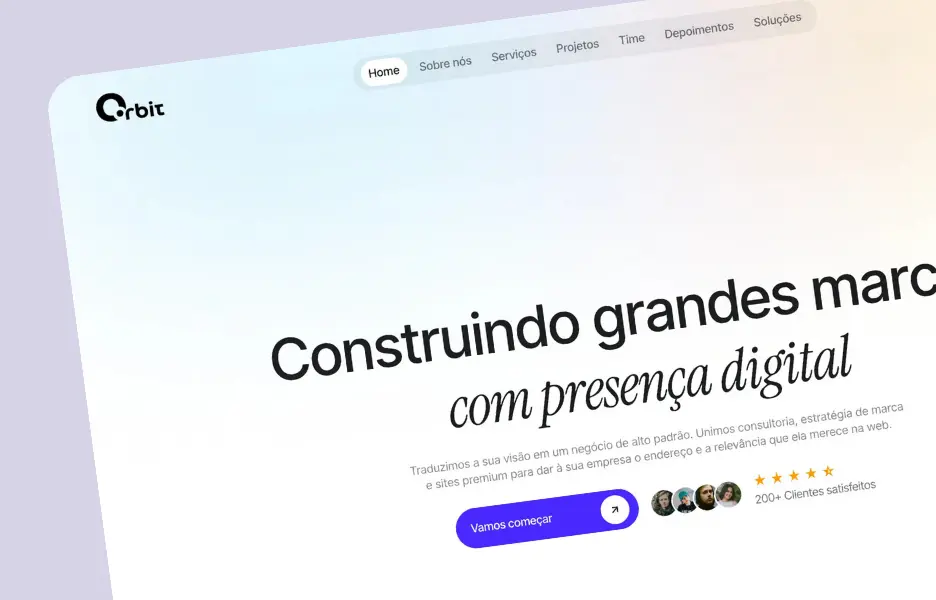
The next level: Your property’s exclusive Website
If you want to go beyond the guide and position yourself as a professional brand, you need to step away from relying solely on big platforms. You need your property's own website.

Professional photography & Drone videos
A professional guide deserves beautiful photos. Orbit Laboratório also offers professional photo shoots and aerial drone footage for your property.
Stop managing your property like an amateur
In less than 15 minutes you can create a digital environment worthy of a 5-star hotel. Choose efficiency: win over your guests, protect your free time, and grow your business.
Start Now — It's FreeWe also build for other businesses
Check out some projects from our lab at Orbit Laboratório